Gelatine Iconpack1.2.3
Publisher Description
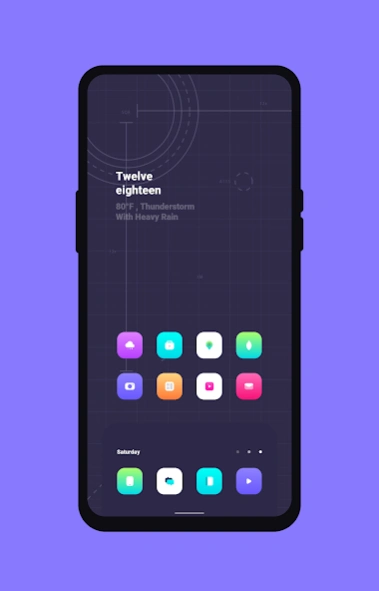
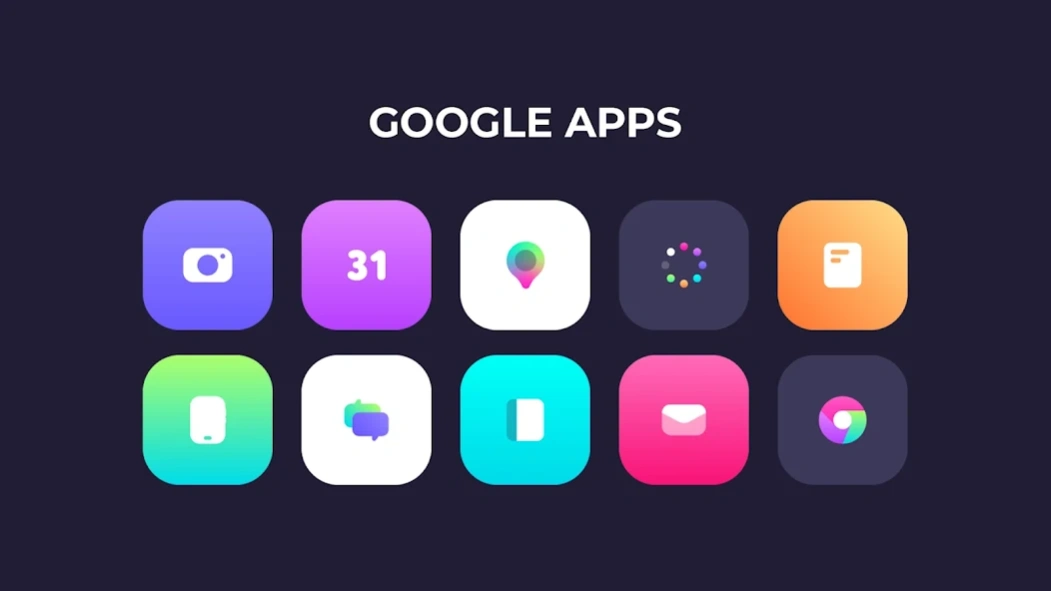
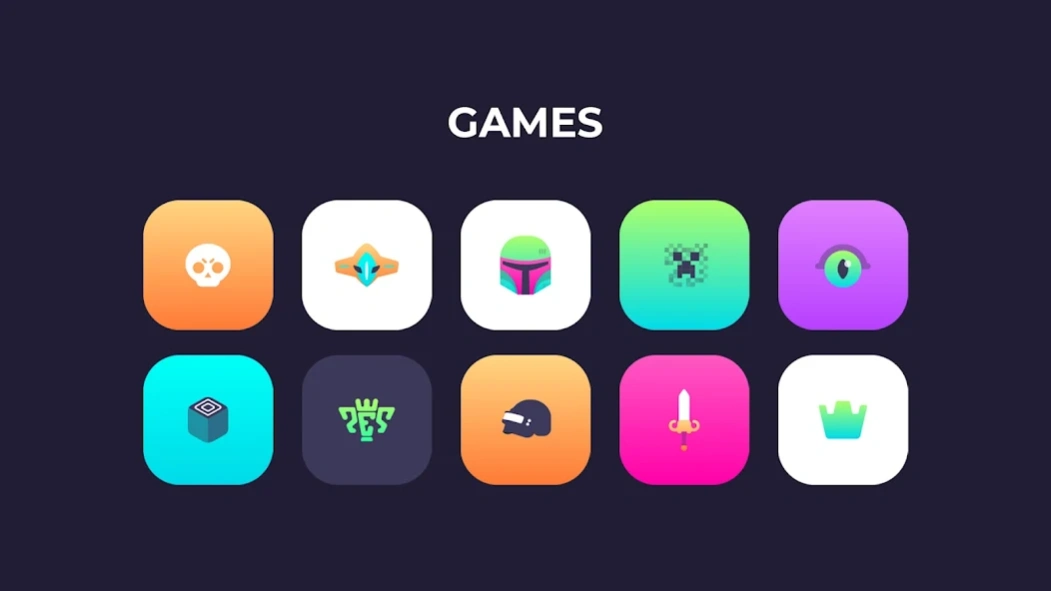
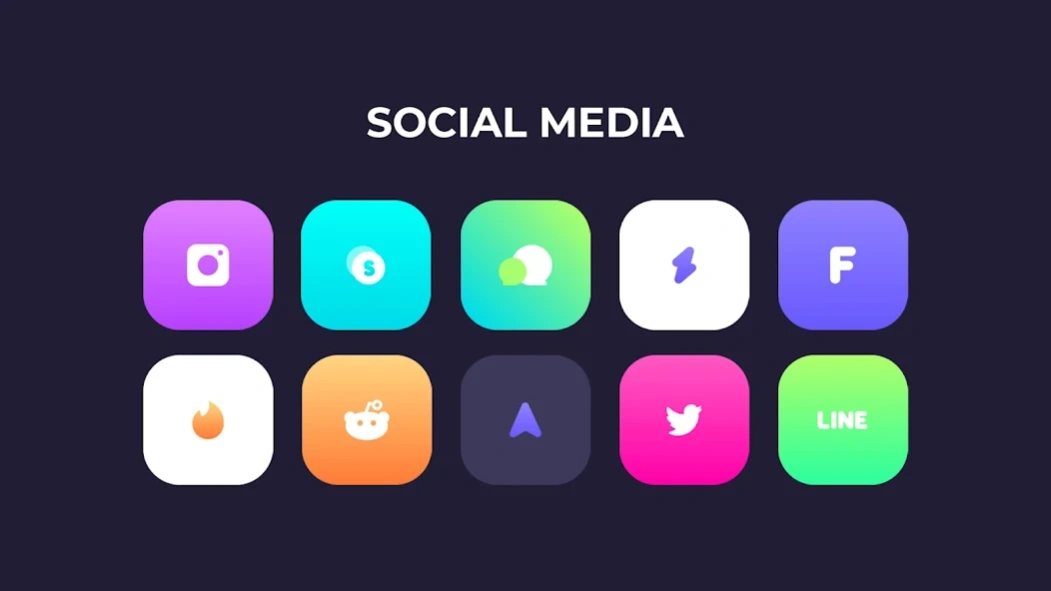
You can't eat this Gelatine :P
Gelatine Iconpack is a Minimalism icons with ios style with over 700+ icons and keep continues!
Features:
• 700+ Icons and keep continues update
• Cloud Wallpapers
• Support Request Icon
• Report bug
Supported launchers
• Action Launcher
• ADW Launcher
• Apex Launcher
• Go Launcher
• Holo Launcher
• Lawnchair Launcher
• Lucid Launcher
• Mini Launcher
• Next Launcher
• Nova Launcher
• Pixel Launcher
• Smart Launcher
• Solo Launcher
• TSF Launcher
Follow Me at:
- https://www.facebook.com/indra.juliana20
- https://twitter.com/izzldsgn31
- https://www.instagram.com/indrajln
If You got problem and suggest, you can join this channel :
https://t.me/izzlsupport
About Gelatine Iconpack
The company that develops Gelatine Iconpack is IZZLDSGN. The latest version released by its developer is 1.2.3.
To install Gelatine Iconpack on your Android device, just click the green Continue To App button above to start the installation process. The app is listed on our website since 2025-04-23 and was downloaded 15 times. We have already checked if the download link is safe, however for your own protection we recommend that you scan the downloaded app with your antivirus. Your antivirus may detect the Gelatine Iconpack as malware as malware if the download link to izzl.gelatine.pack is broken.
How to install Gelatine Iconpack on your Android device:
- Click on the Continue To App button on our website. This will redirect you to Google Play.
- Once the Gelatine Iconpack is shown in the Google Play listing of your Android device, you can start its download and installation. Tap on the Install button located below the search bar and to the right of the app icon.
- A pop-up window with the permissions required by Gelatine Iconpack will be shown. Click on Accept to continue the process.
- Gelatine Iconpack will be downloaded onto your device, displaying a progress. Once the download completes, the installation will start and you'll get a notification after the installation is finished.
Program Details
System requirements
Download information
Pricing
Version History
version 1.2.3
posted on 2025-04-24
V.1.2.3
• Add 78 New Icons
• Re-group Apps Category
• Changes some icons
version 1.2.2
posted on 2025-03-04
V.1.2.2
• Hello!Long time no see
• Update the Dashboard for newer devices
• Update Icon Launcher and some icons
version 1.2.1
posted on 2020-11-01
V.1.2.1
. Add 66 New Icons
. Add Updates Cattegory
version 1.1.0
posted on 2020-02-03
V.1.1.0
. Add 160 Icons (Include Alternative)
. Add Missing Activity
. Add Missing Icons
. Add 3 Wallpapers
. Redesign Some Icons
